Workflow Automation · n8n & Custom

Let the repetitive work run itself

Forms, spreadsheets, payment tools, email and your ERP — connected so data moves and tasks fire on their own. Hours of daily manual work disappear, errors drop, and every process becomes measurable.

Scroll
Forms Spreadsheets Payments Email ERP Approvals Scheduled reports Alerts
Hoursof manual work gone
0copy-paste between tools
Alwayson, never forgets
From a manual loop to lights-out running
TriggerA form, payment or message starts the flow.
MoveData syncs between the tools you already use.
ActTasks, receipts and approvals fire on their own.
ReportReports compile across systems on schedule.
What it does

Connect your tools so tasks run on their own

Using n8n — a visual automation platform — and custom code where a system needs its own glue, we connect your tools so the repetitive middle of your processes runs without anyone copying, pasting or remembering.

Form submitted → spreadsheet row → CRM record → acknowledgement message.
Invoice paid → receipt generated → accounting entry → thank-you sent.
Approvals routed, escalated on delay and logged.
Reports compiled across systems and delivered on schedule.
Data synced between systems so nobody maintains two versions of the truth.
Alerts when something needs a human — before it becomes a problem.
Build choice

n8n where it fits, custom code where it does not

n8n gives you visible, maintainable workflows for standard connections. For unusual systems, strict performance needs or deep ERP logic, we write custom integration code — and hand you documentation either way.

You own the automations. Credentials are managed securely, and everything runs in infrastructure you control or we operate on your behalf.
Example automations

Flows we build for businesses like yours

Real patterns from real projects — the sixth card is usually yours.

Sales

Enquiry to follow-up

New website enquiry → saved in CRM → WhatsApp acknowledgement → task for sales → reminder if untouched within 2 hours.

Finance

Payment to receipt

Paid invoice → receipt generated → accounting entry → thank-you message. No month-end reconciliation scramble.

Admissions

Admission to welcome

Student admission form → document check → fee link → ERP entry → welcome message.

Operations

Appointment lifecycle

Appointment booked → calendar entry → reminder the day before → feedback request after the visit.

Management

Reporting on schedule

Daily sales or collection summary compiled from your systems and sent to management on WhatsApp or email — every morning, assembled by nobody.

Yours

What eats your team's week?

Tell us the manual loop your team repeats daily. Chances are it is a two-or three-step automation away from disappearing.

How we deliver an automation project

From time-and-motion study to lights-out running

1

Process mapping

We study where time and leads are lost — the real process, not the documented one.

2

Use-case selection

We pick the quick wins that deliver value first, so week one shows results.

3

Design

Steps, triggers, data fields, failure handling and who gets alerted when something breaks.

4

Build and integrate

n8n workflows and custom code connecting your CRM, ERP, payment and messaging tools.

5

Test

Real scenarios, edge cases and security checks — including how the flow behaves when a system times out.

6

Launch and train

Your team learns to monitor and adjust the automations — no black boxes.

7

Optimise

We review monthly, tune slow steps and add the next automation from your list.

Ongoing

Support

Monitoring and fixes when an upstream system changes — because they always do.

Why it helps you grow

What disappears when the busywork goes

Hours of daily work disappear

Retyping, forwarding and chasing — the work nobody planned but everyone does.

Errors drop

No more wrong cell, wrong row, wrong person — the data moves the same way every time.

Processes become measurable

Once a flow is automated, you can see its volume, speed and failure points — improvement stops being a guess.

Nothing waits for someone's inbox

Approvals, receipts and reminders fire on time regardless of who is on leave.

Staff focus on judgement work

Your team handles exceptions and relationships, not moving rows between systems.

Lower cost per transaction

Volume grows without headcount growing alongside it — the economics that let small teams compete.
Timeline and pricing

Typically live in 1 to 4 weeks

Small automations ship in days; multi-system flows with approvals and reporting take longer. What drives cost is the number of systems and steps — mapped in the process session, then quoted as a fixed price.

How an automated workflow runs
  1. 01TriggerA form, a payment or a spreadsheet change.
  2. 02MoveData flows between your tools.
  3. 03ActTasks and messages fire automatically.
  4. 04AlertYou are told before a problem grows.
Pricing model

One-time setup, monthly support

One-time setup plus a monthly platform and support fee, with third-party usage charges at actual cost.

Starter, growth and advanced package prices to be confirmed before publishing.
Automation

Let the repetitive work run itself

Forms, spreadsheets, payment tools, email and your ERP — connected so data moves and tasks fire on their own. Hours of manual work disappear.

Fewer errors, faster runs.
Every process measurable.
Alerts before problems.
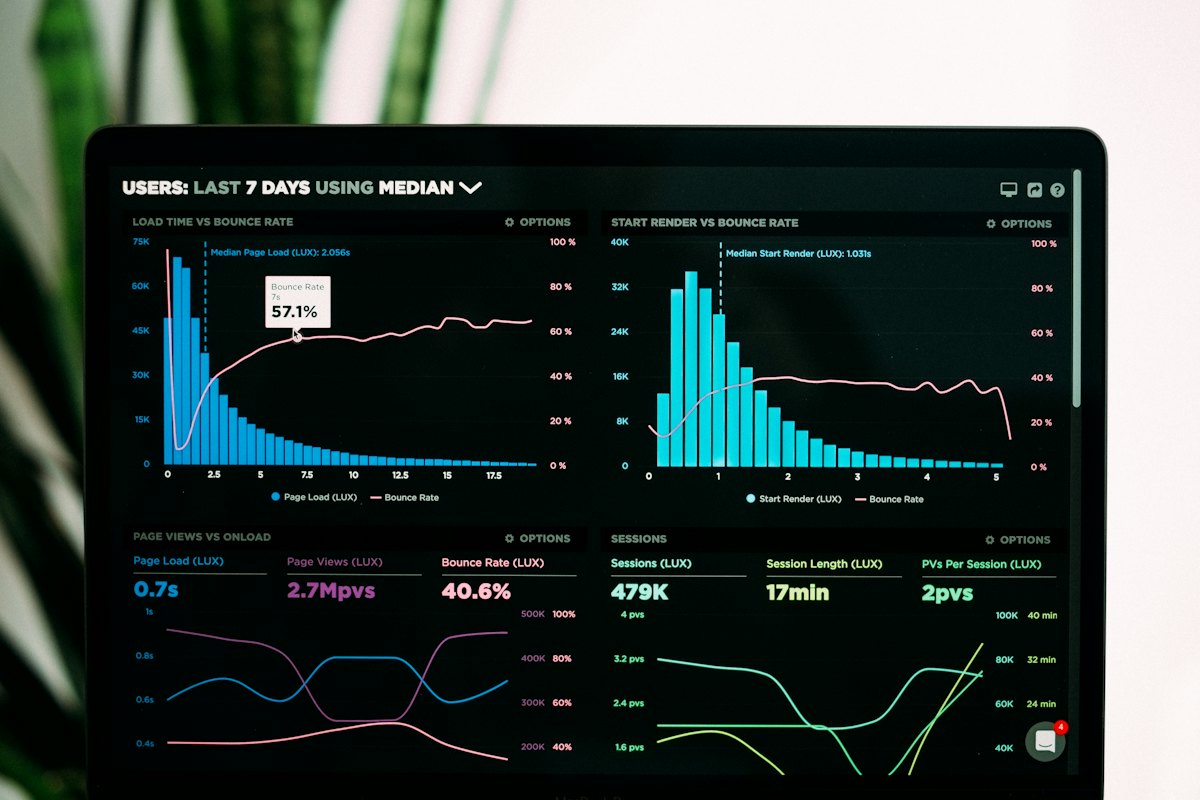
An operations dashboard showing automated workflows Automation
Before and after workflow automation
Repetitive work done by hand
  • Data retyped between tools
  • Tasks forgotten
  • Errors creep in
  • No one sees the bottlenecks
The work runs itself
  • Data moves on its own
  • Tasks fire automatically
  • Fewer errors
  • Every process measurable
FAQs

Workflow automation questions, answered

An open workflow-automation platform that connects your tools visually — you can see each step, its inputs and its failures. For needs beyond its reach, we write custom code.

CRMs, ERPs, Google Sheets, payment tools, email, WhatsApp, calendars and custom applications with APIs. If a system has no API, we discuss the options honestly — custom scripts or process redesign — before you commit.

Repetitive, rule-based work with clear triggers — copying data, generating documents, routing approvals, sending scheduled updates. The process-mapping session finds yours and ranks them by time saved.

Credentials are stored securely with least-privilege access, data moves encrypted, and failure alerts reach the right people. The automations can be included in a VAPT like any other system.

Typically 1 to 4 weeks, depending on the number of systems and steps involved.

Automations are monitored, and failures alert your team immediately. Our support covers fixes when an upstream system changes — one of the real reasons to keep a support arrangement.

One-time setup plus a monthly platform and support fee, with third-party charges at actual cost. Cost is driven by the number of systems and steps — we quote a fixed price after mapping.

Client feedback

Trusted by clients across India

A few comments from organisations we have worked with. We publish attributable client feedback only; we do not invent testimonials.

Read more client feedback

“CyberSwipe developed our website at stresshealing.in and everything has been great. We are happy with the work they delivered.”

StressHealingstresshealing.in · Website & brand development · Verified client

“CyberSwipe built the full stack behind Youvabot — CRM, WhatsApp bot, calling bot and the Android app, and everything has been great.”

Youvabotyouvabot.com · Website, brand & full-stack development · Verified client

“CyberSwipe developed the complete Kingermart platform — e-commerce website, app and everything behind them, and everything has been great.”

Kingermartkingermart.com · E-commerce platform · Verified client

Show us the task your team hates.

Walk us through one manual loop — who does what, in which tools — and we will come back with the automation design, a timeline and a fixed price. The first conversation is free and there is no obligation.